
WP Vault · Chat Backup Viewer
Your old chats, back on iPhone.
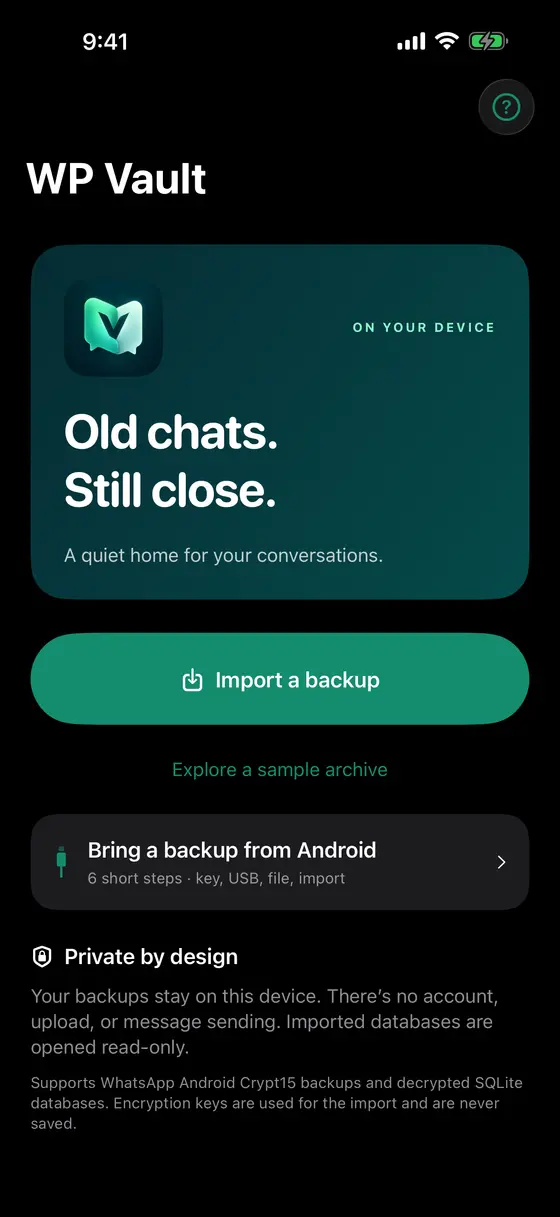
WP Vault opens the WhatsApp backup from your old Android phone on your iPhone or iPad, so you can read the conversations that didn’t make the move. Your chats never leave your iPhone, it’s read-only, and there’s no account.
For iPhone and iPad, iOS 17 or later. Free to try, then a one-time unlock.
What it does
Everything in the backup, readable again.
-
Opens real backups
Import
msgstore.db.crypt15with your 64-digit key, or a decrypted SQLite database. -
The whole history
Scroll back through every chat, with replies, reactions, edits and system notices as they were stored.
-
Photos, video, voice
Add your WhatsApp Media folder and attachments open right inside the conversation.
-
Search everything
Find a message by word, name or star across the whole archive, then jump to it in context.
-
Table browser
Look at every table and field for the curious, even formats the app can’t render.
-
Contact names
Optionally add a
wa.dbcontacts database to show saved names instead of numbers.
A look inside
Plain, quiet, and yours alone.
-
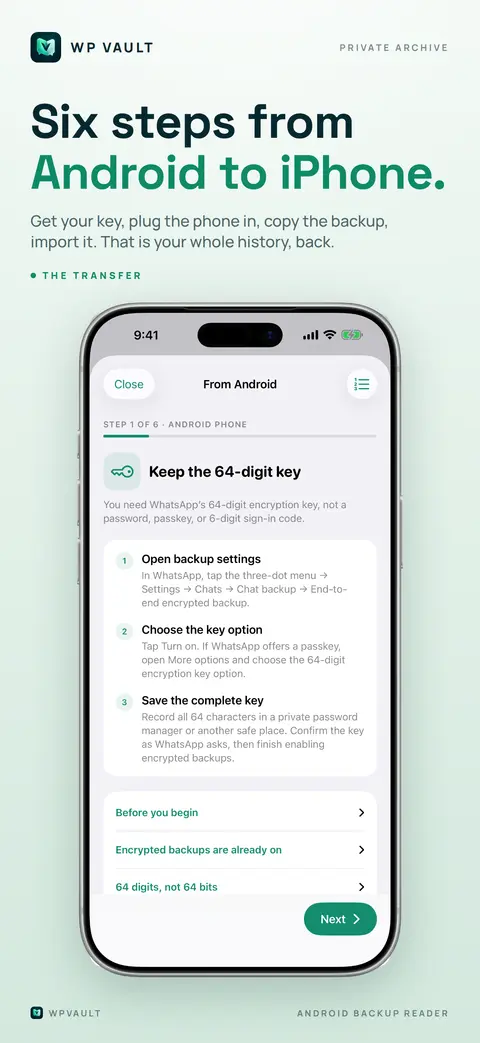
A six-step guide from Android to iPhone.
-
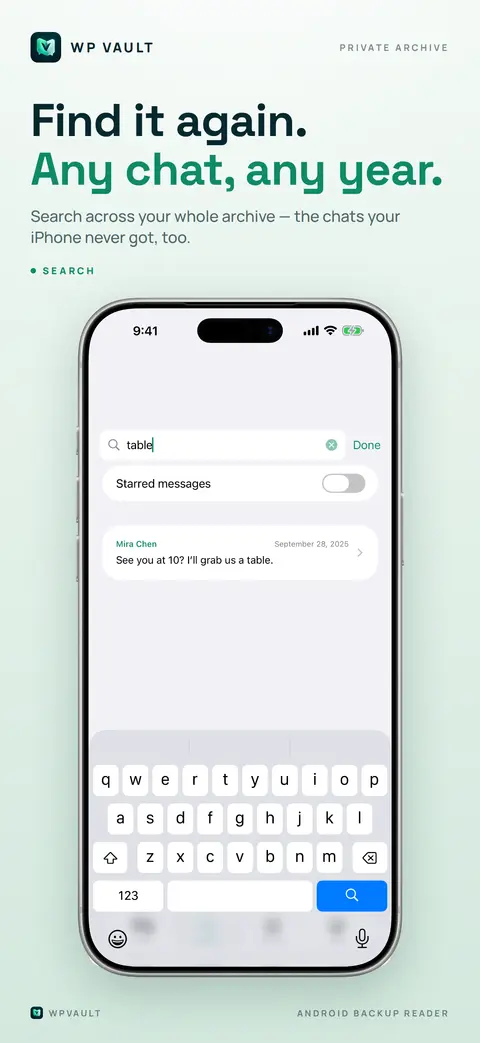
Search across every chat.
-
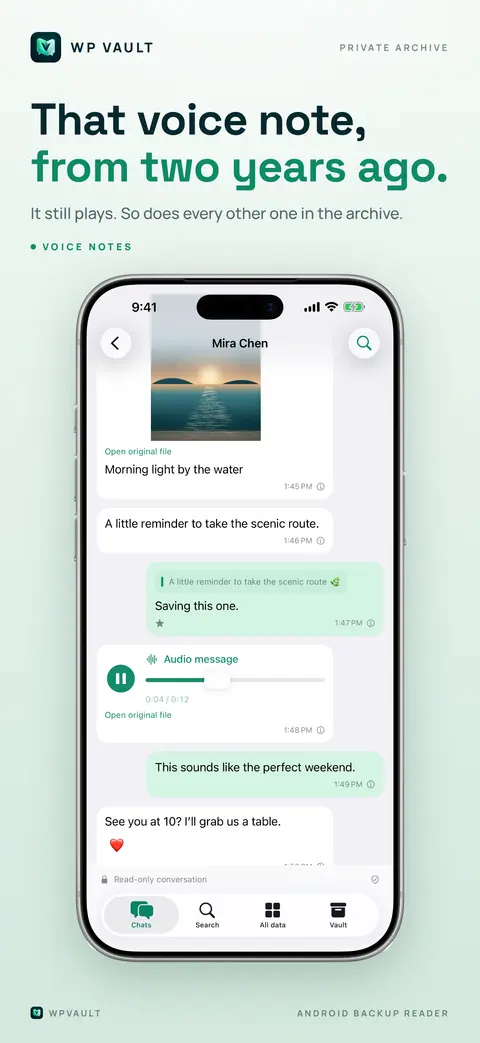
Photos and voice messages play in place.
Private by design
Your chats stay on your iPhone.
- Your chats, contacts, media and key are processed only on your device. They are never uploaded and never part of analytics.
- No account and no ads. WP Vault collects anonymous usage statistics (which features are used, never your content). You can switch them off in the app under Vault → Privacy; in the EU, UK and Switzerland it asks first.
- Your backup is opened read-only. WP Vault can’t send, restore or change anything in WhatsApp.
- The 64-digit key is used while you import and is never stored.
- Deleting the app deletes everything it kept.
Free trial, one unlock
Try it properly. Pay once.
You get seven days of the full app. The clock starts when you first import one of your own backups, and exploring the bundled sample archive doesn’t start it.
After the trial your most recent chat and its newest messages stay readable. A single one-time purchase unlocks every chat, the full history, archive-wide search and the table browser. It is tied to your Apple ID and can be restored on any device. No subscription, ever.
Moving from Android?
Six short steps.
- Keep WhatsApp’s 64-digit encryption key.
- Create a fresh encrypted backup on the Android phone.
- Connect the phone to a computer over USB.
- Copy
msgstore.db.crypt15to the computer. - Put the copy in Files on your iPhone or iPad.
- Open it in WP Vault and enter the key.
WP Vault is published by Agustin Aguilar. It is an independent application and is not affiliated with, endorsed by, or sponsored by WhatsApp LLC or Meta Platforms, Inc. WhatsApp is a trademark of WhatsApp LLC, used only to describe which backups the app can open. Use WP Vault only with backups you own or are entitled to open.